
Pegasus & Core Release Notes for April 2026
-
New Features
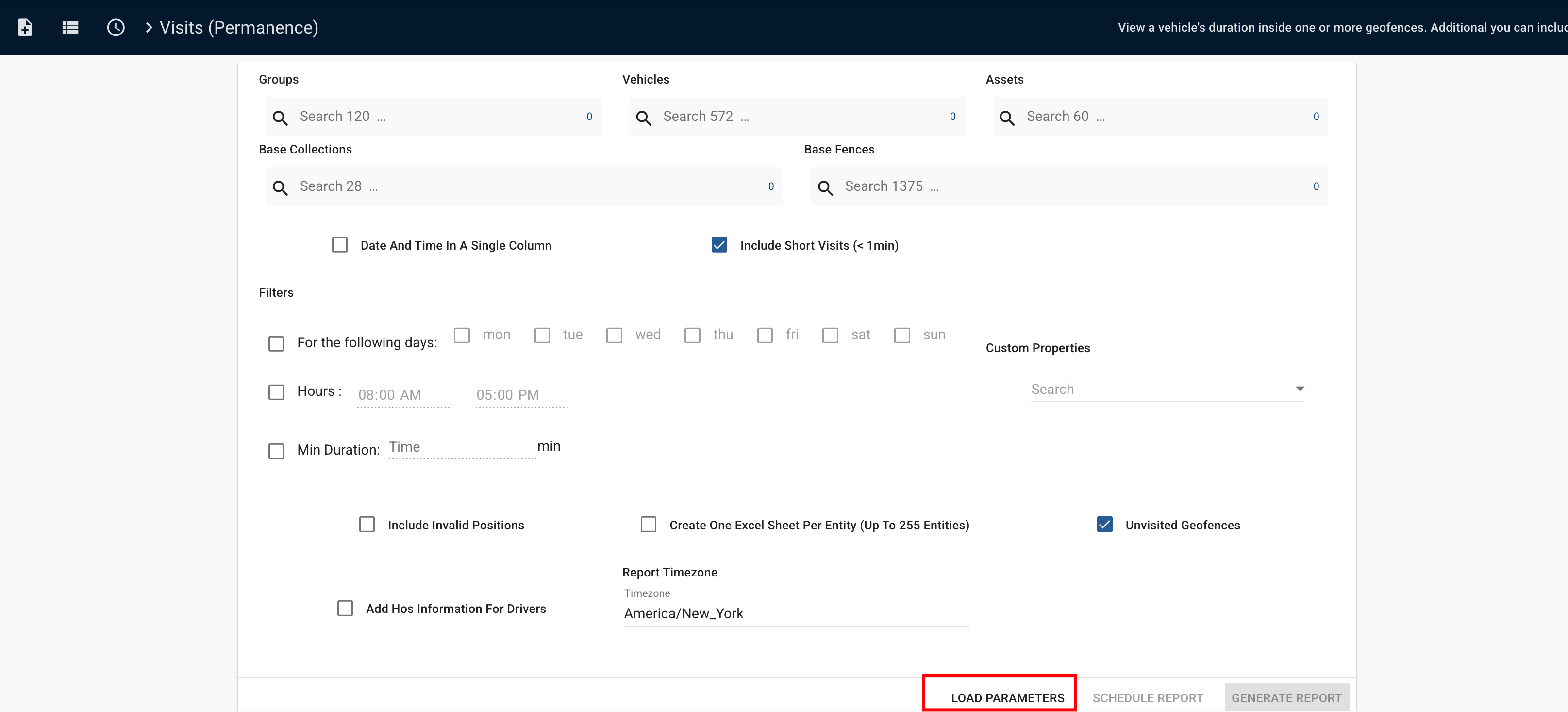
- Added a “LOAD PARAMETERS” option into the report builder, so that users can load parameters from an existing scheduled report.
- Trip Analysis Between Geofences Report
- Added a “travel time between geofences”, so that users can understand how long it takes to move between points in a geofence-based workflow.
- Changed how the “base geofence” is shown in the Trips Between Geofences report, so that it reflects sequential travel (A to B to C).
- Enhanced the Trips between Geofences report by adding time-to-arrival at the destination geofence.
- Added a toggle in the HOS Logbook view to show or hide the map when reviewing driver or vehicle logbooks, allowing more space for the time graph and NOM-087 view during analysis.
- In the Alerts module, when Admin Mode is enabled, the “Inbox” label now changes to “Showing All Alerts.”
- Added the Syrus 4G Lite model to Organization. Devices are now correctly labeled as “Lite” (instead of “LTE”), improving visibility and reducing misclassification.
- The Devices Excel export now includes additional HOS segment configuration columns, allowing fleet administrators to review key HOS settings per device.
- Added support for new GPS fields (acceleration, magnitude, and VDOP) in the Pegasus JSON receiver
- Added VIN information to the Offline Report.
- Add segment configuration columns to the HoS Report.
- Added event mapping for Suntech ST8300V devices.
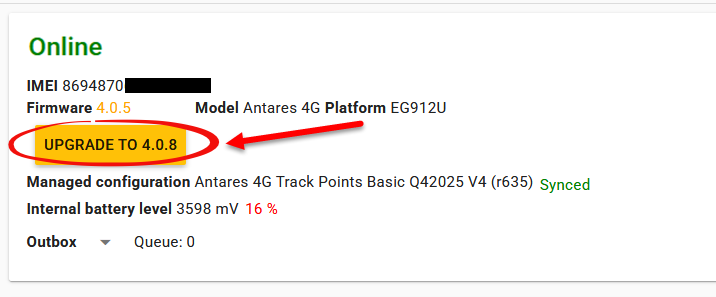
- Enabled Antares firmware updates via the Pegasus Console, simplifying and centralizing device management.
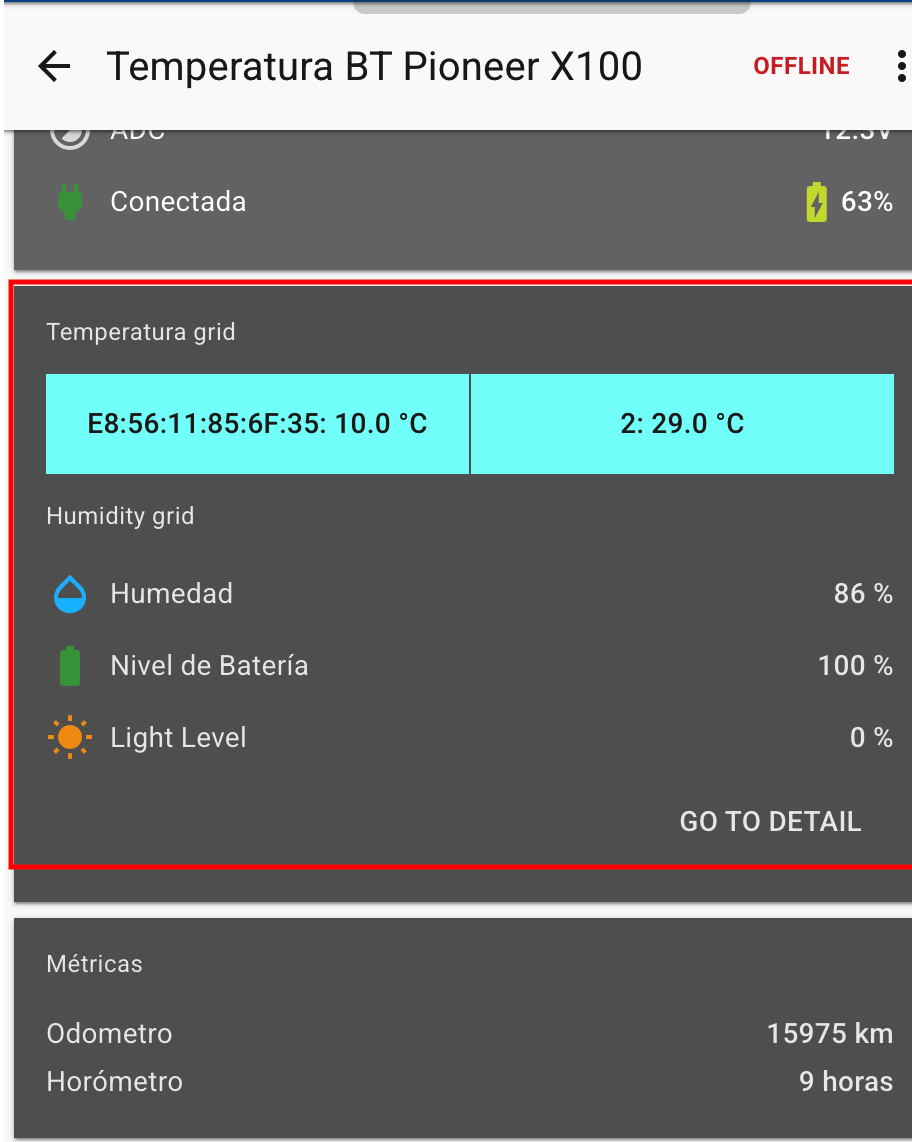
- Introduced Bluetooth temperature sensor compatibility for Pioneer X100 and X101 devices, expanding monitoring capabilities
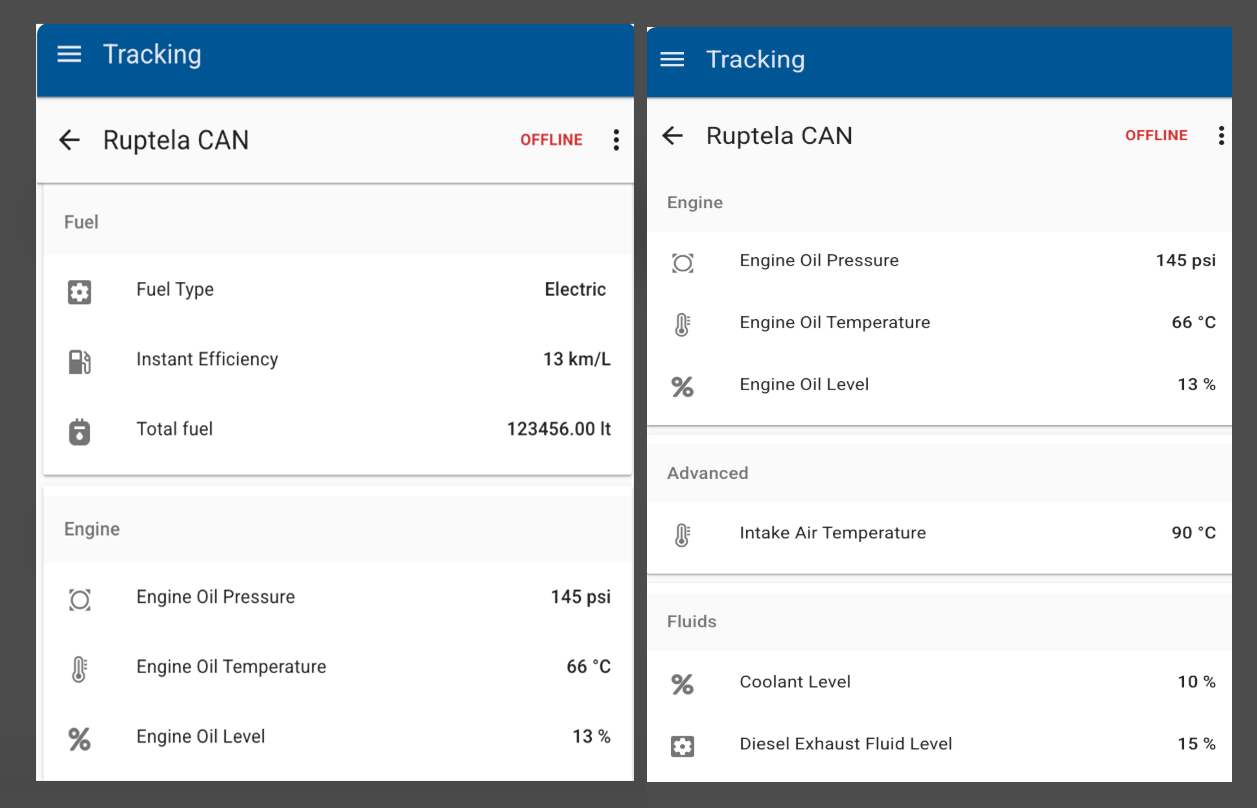
- Integrated CAN parameters from Ruptela devices.
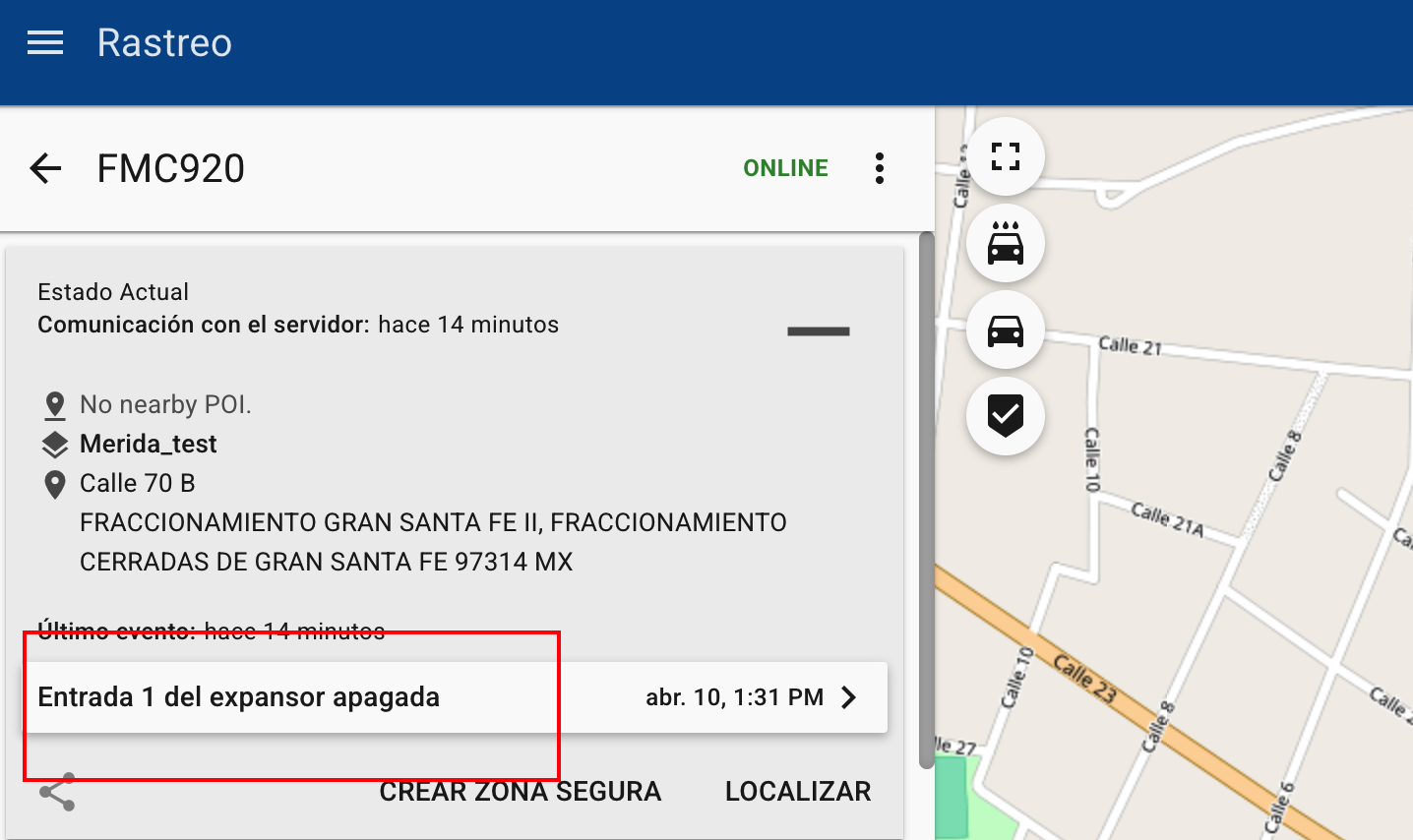
- Added EYE Magnet sensor support for Teltonika devices, with mapping handled through expanded inputs in Pegasus.
- Added a “LOAD PARAMETERS” option into the report builder, so that users can load parameters from an existing scheduled report.
-
Improvements
- Optimized Devices API pagination to prevent HTTP 249 errors, resulting in quicker and more efficient loading of devices in the Organization section.
- Increased the maximum length of the device.id field in the JSON receiver to 20 characters.
-
Fixes
- Fixed a mismatch between “Fuel consumed while idling” report, and Trips idling values (report showing 0).
- Fixed the use of stale device info in Tracking UI so when a device is unassigned, dependent fields become null instead of showing incorrect cached data.
- Fixed the missing odometer start/end fields in Trip Reports by adjusting the data source behavior.
- Fixed incorrect driver summary distance in the Activity Details Report, specially when generated with multiple vehicles/groups.
- Fixed a bug where trips/stops were duplicated and causing false speeding signals.
- Made sure that no retroactive changes can be made on vehicles in a closed HoS cycle after the min rest time is exceeded.
- Fixed an inconsistency with the HoS/continuous-duty-time display where alerts were correct but the UI/report showed the incorrect work time.
- Addressed reverse-geocoding behavior where large geofences were skipped, causing vehicles inside large areas to show no geofence assignment.
- Fixed fuel consumption reporting so that sharp dips are classified as theft/loss when appropriate.
- Fixed an issue where using “Load Parameters” could unexpectedly change the selected date.
- Fixed an issue in Tracking where Oyster devices displayed “Output1” instead of the “Recovery” option.
- Fixed the chronological order of trips and stops in the Activity Details Report.
- Resolved an issue in HoS reports where “Shipment Codes” could display values that did not match those within the selected cycle time range.
- Fixed the geofence speed limit filter in the Speeding Report.
- Updated the Activity Details Report to ensure speed information remains consistent, even when speeding events are present
- Updated and corrected the mapping configuration for Suntech ST4315B to ensure accurate data processing.
- Fixed an issue in Syrus Mobile where the battery percentage for Oyster Global was displayed incorrectly.
Click here for prior release notes
Click here to search old release notes

